


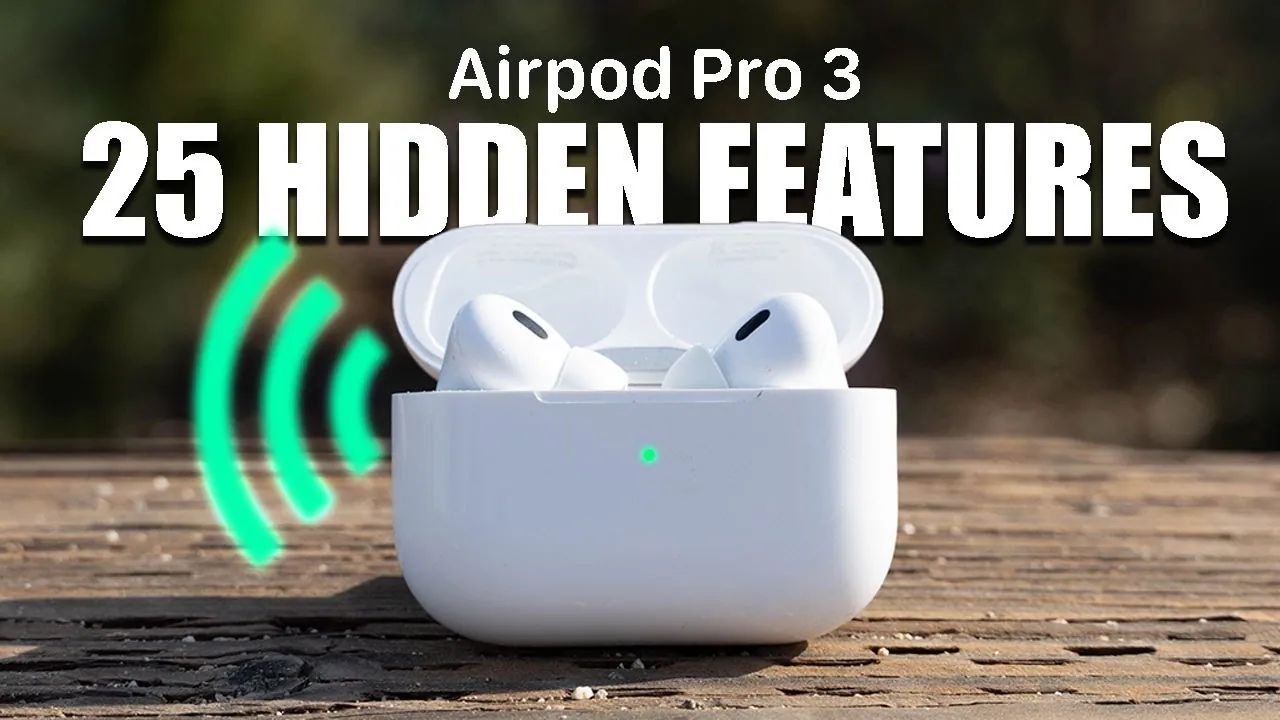
The AirPods Pro 3 represent a sophisticated fusion of state-of-the-art technology and user-centric design, crafted to elevate both your audio experience and daily convenience. Whether you are a first-time user or upgrading from an earlier model, understanding their features and capabilities is essential to fully use their potential. The detailed video below from HotshotTek will walk you through everything you need to know—from setup to advanced functionalities—making sure you maximize the value of your AirPods Pro 3.

Getting Started: Setup and Fit
Achieving the right fit is crucial for comfort, sound quality, and effective noise cancellation. The AirPods Pro 3 include silicone ear tips in multiple sizes, allowing you to find the ideal fit for your ears. To ensure optimal performance, use the built-in acoustic seal test, which helps confirm that the ear tips create a secure seal. This seal is essential for blocking external noise and delivering the best possible audio quality. A snug fit also ensures the earbuds remain securely in place during workouts or extended use, making them suitable for both active and casual lifestyles.
Pairing and Connectivity Simplified
The AirPods Pro 3 introduce a haptic button on the charging case, streamlining the pairing and resetting process.
- For Apple devices: Simply open the case near your iPhone, iPad, or Mac, and follow the on-screen instructions for instant pairing.
- For non-Apple devices: Press and hold the haptic button to activate Bluetooth pairing mode, allowing you to connect seamlessly to Android or other Bluetooth-enabled devices.
If you encounter connectivity issues, the same button can be used to perform a factory reset, restoring your AirPods to their default settings. This feature ensures a hassle-free experience across various devices.
Audio Modes and Microphone Features
The AirPods Pro 3 are equipped with versatile audio modes that adapt to different environments, enhancing your listening experience:
- Noise Cancellation: Effectively blocks out external sounds, creating an immersive audio environment ideal for focused listening.
- Transparency Mode: Allows you to stay aware of your surroundings while enjoying your audio, making it perfect for outdoor activities or conversations.
- Adaptive Audio: Automatically adjusts audio settings based on ambient noise levels, making sure consistent sound quality in dynamic environments.
For calls, the voice isolation feature ensures your voice remains clear and distinct, even in noisy settings. This makes the AirPods Pro 3 an excellent choice for work calls, video conferences, or on-the-go communication.
Fitness and Health Tracking
The AirPods Pro 3 go beyond audio by incorporating fitness and health tracking capabilities. With a built-in heart rate sensor, these earbuds can monitor your heart rate during workouts when paired with the Apple Fitness app. Additional features include tracking calorie burn and detecting when you fall asleep, automatically pausing media playback to avoid interruptions. These functionalities make the AirPods Pro 3 a versatile tool for both fitness enthusiasts and those seeking relaxation.
Personalization and Customization
Customizing your AirPods Pro 3 enhances their usability and ensures they meet your specific needs.
- Rename your AirPods for easy identification, especially if you own multiple Apple devices.
- Reprogram the stem controls to perform specific actions, such as activating Siri, toggling between audio modes, or skipping tracks.
- Fine-tune the sound profile by adjusting EQ settings in the Music app, tailoring the audio to your preferences.
These options allow you to create a personalized listening experience that aligns with your unique lifestyle.
Advanced Features for Everyday Use
The AirPods Pro 3 are packed with advanced features that extend their functionality beyond basic audio playback:
- Conversation Awareness: Automatically lowers media volume when you start speaking, allowing seamless transitions between listening and interacting with others.
- Personalized Audio: Adapts playback to your environment, making sure consistent sound quality regardless of your surroundings.
- Real-Time Translation: Supported apps enable effortless communication across languages, making the AirPods Pro 3 an invaluable tool for travel or international collaboration.
These features highlight the versatility of the AirPods Pro 3, making them suitable for a wide range of scenarios, from professional settings to leisure activities.
Convenience Features You’ll Appreciate
Designed with user convenience in mind, the AirPods Pro 3 include thoughtful features that simplify daily tasks:
- Share audio with another set of AirPods, allowing you to enjoy music, podcasts, or videos with a friend or family member.
- Use the charging case as a phone stand, providing added functionality during video calls or streaming sessions.
- Control your device’s camera with stem gestures, allowing hands-free photo and video capture for added convenience.
These additions make the AirPods Pro 3 a practical companion for everyday use, enhancing both productivity and entertainment.
Intuitive Gestures and Controls
The AirPods Pro 3 introduce advanced gesture controls, allowing for seamless interaction without needing to reach for your device:
- Head Gestures: Program nodding or shaking your head to execute specific commands, such as answering calls or skipping tracks.
- Stem Gestures: Manage media playback, adjust volume, and handle calls with simple taps or presses on the AirPods’ stems.
These intuitive controls ensure you can stay focused on your activities while maintaining full control over your audio experience.
Innovative Case Features
The AirPods Pro 3 charging case is more than just a storage solution—it’s a multifunctional accessory designed to enhance your experience:
- A built-in speaker provides sound feedback for pairing and integrates with the Find My app, making it easier to locate your AirPods if misplaced.
- The lanyard port adds portability, allowing you to attach the case to a bag or keychain for easy access.
These features make the case an integral part of the AirPods Pro 3 ecosystem, offering both practicality and convenience.
Pro Tips for Optimization
To fully optimize your AirPods Pro 3 experience, consider these additional tips:
- Disable auto ear detection if you frequently share media with others, ensuring uninterrupted playback.
- Manage charging sound feedback and access warranty information through the settings menu for greater control over your device.
These small adjustments can significantly enhance your day-to-day interactions with the AirPods Pro 3, ensuring a seamless and enjoyable experience.
Uncover more insights about AirPods Pro 3 features in the previous articles we have written.
Source & Image Credit: HotshotTek
Filed Under: Apple, Apple iPhone, Gadgets News, Guides
Latest Geeky Gadgets Deals
Disclosure: Some of our articles include affiliate links. If you buy something through one of these links, Geeky Gadgets may earn an affiliate commission. Learn about our Disclosure Policy.

