


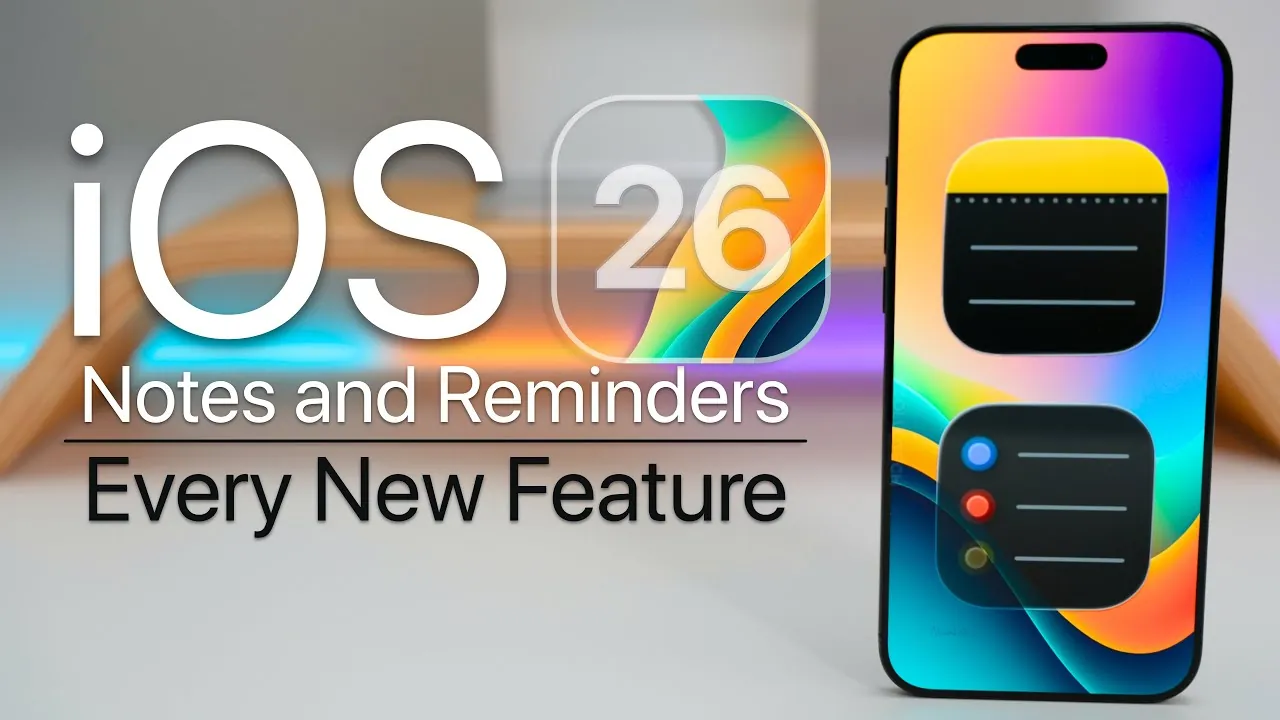
iOS 26 brings a suite of enhancements to the Notes and Reminders apps, focusing on improving productivity, organization, and overall user experience. These updates combine aesthetic refinements with functional improvements, catering to casual users and professionals alike. By integrating advanced tools and intuitive design, Apple continues to refine its ecosystem, making sure these apps remain indispensable for task and information management. The video below from zollotech gives us more details on the new features in Notes and Reminders in iOS 26.

Visual Redesign and Enhanced Accessibility
The most striking update in iOS 26 is the introduction of the liquid glass design, a sleek, semi-translucent aesthetic that gives the Notes and Reminders apps a modern and polished appearance. This design not only enhances visual appeal but also improves usability. Enhanced animations ensure smoother navigation, while the repositioned translucent search bar at the bottom of the screen makes one-handed use more convenient, especially on larger devices.
The keyboard has also been redesigned with curved edges and a refined text selection interface, offering a more ergonomic typing experience. These updates aim to make the apps both functional and enjoyable, making sure that users can focus on their tasks without distractions.
Powerful New Features in Notes
The Notes app has been significantly upgraded with features that enhance its versatility and usability. These updates transform Notes into a more robust tool for both personal and professional use:
- Markdown Support: Users can now format, export, and import notes using Markdown. This feature is particularly beneficial for professionals, students, and anyone working with structured text, allowing seamless formatting and sharing.
- Graph Creation: A built-in graphing tool allows users to create and manipulate graphs directly within the app. This eliminates the need for third-party software, making it easier to visualize data and organize information efficiently.
- watchOS Compatibility: With the launch of watchOS 26, Notes is now accessible on the Apple Watch. This ensures seamless synchronization and access to your notes across all Apple devices, enhancing productivity on the go.
These features position the Notes app as a powerful tool for managing everything from simple lists to complex projects, meeting the needs of a diverse user base.
Comprehensive Upgrades to Reminders
The Reminders app has undergone a substantial overhaul, introducing features designed to simplify task management and improve organization. These updates make it easier to stay on top of daily responsibilities and long-term goals:
- Color-Coded Sections: Tasks are now grouped into visually distinct categories such as Today, Scheduled, and Completed. This color-coded system improves clarity and helps users prioritize their to-do lists at a glance.
- Auto-Categorization: Using on-device intelligence, the app automatically sorts tasks based on their content. This reduces the need for manual organization and ensures that tasks are logically grouped.
- Enhanced Siri Integration: Siri now suggests tasks based on your messages, emails, and other contextual data. This ensures you never miss important details, streamlining task creation and management.
- Location-Based Reminders: Users can set reminders tied to specific locations. For example, you can receive a notification to pick up groceries when you’re near a store, adding a layer of convenience to task management.
- Streamlined Shortcuts: Improved shortcuts make it faster to add, edit, or complete tasks. This feature enhances efficiency, particularly for users managing multiple lists or complex schedules.
These enhancements make the Reminders app a more intuitive and powerful tool, capable of adapting to a wide range of organizational needs.
Improved Cross-Device Synchronization
Both Notes and Reminders now feature enhanced cross-device synchronization, making sure that your data stays consistent across your iPhone, iPad, and Apple Watch. This seamless integration is particularly valuable for users who rely on multiple devices throughout their day, allowing for uninterrupted productivity.
Looking ahead, Apple is expected to introduce further refinements in upcoming updates, such as iOS 26.4. These may include deeper Siri integration and expanded functionality, reinforcing the interconnected nature of the Apple ecosystem and enhancing the overall user experience.
Elevating Productivity with iOS 26
iOS 26 redefines the Notes and Reminders apps with a combination of aesthetic upgrades and practical features. From the visually striking liquid glass design to advanced tools like Markdown support, graph creation, and auto-categorization, these updates cater to a wide range of user needs. Whether you’re managing simple tasks, organizing complex projects, or visualizing data, iOS 26 equips you with the tools to boost productivity and streamline your workflow.
Browse through more resources below from our in-depth content covering more areas on iOS 26 Notes and Reminders.
Source & Image Credit: zollotech
Filed Under: Gadgets News
Latest Geeky Gadgets Deals
Disclosure: Some of our articles include affiliate links. If you buy something through one of these links, Geeky Gadgets may earn an affiliate commission. Learn about our Disclosure Policy.

